Questions & answers
Respond to audience questions during your session.
 Your webinar workspace
 and audience together
From registration and live sessions to replays and follow-up, FoyerBase gives your team a place to bring the whole journey together.
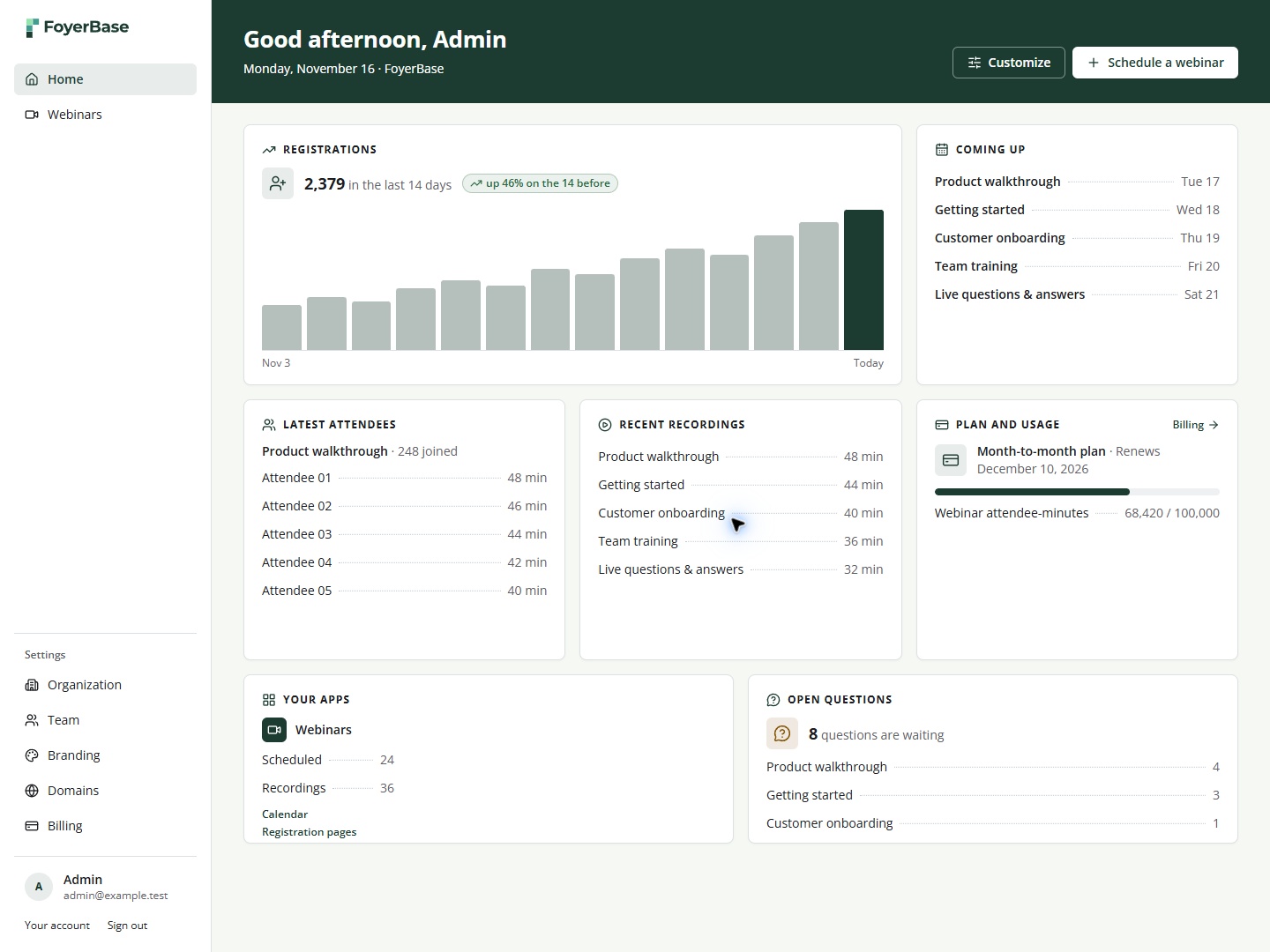
Example workspace shown with sample data


 One connected journey
What you can do
Plan, present and follow up from a workspace built around your audience.
Create a signup page with your branding, custom copy and the fields you need.
Explore feature
Schedule and host live sessions, with tools for your presenters and audience.
Explore feature
Invite questions, run polls and share resources during your webinar.
Explore feature
Keep recordings in your library and schedule replays for another audience.
Explore feature
Send session emails and give attendees a way to book a conversation.
Explore feature
See who registered, who joined and how long they watched.
Explore feature
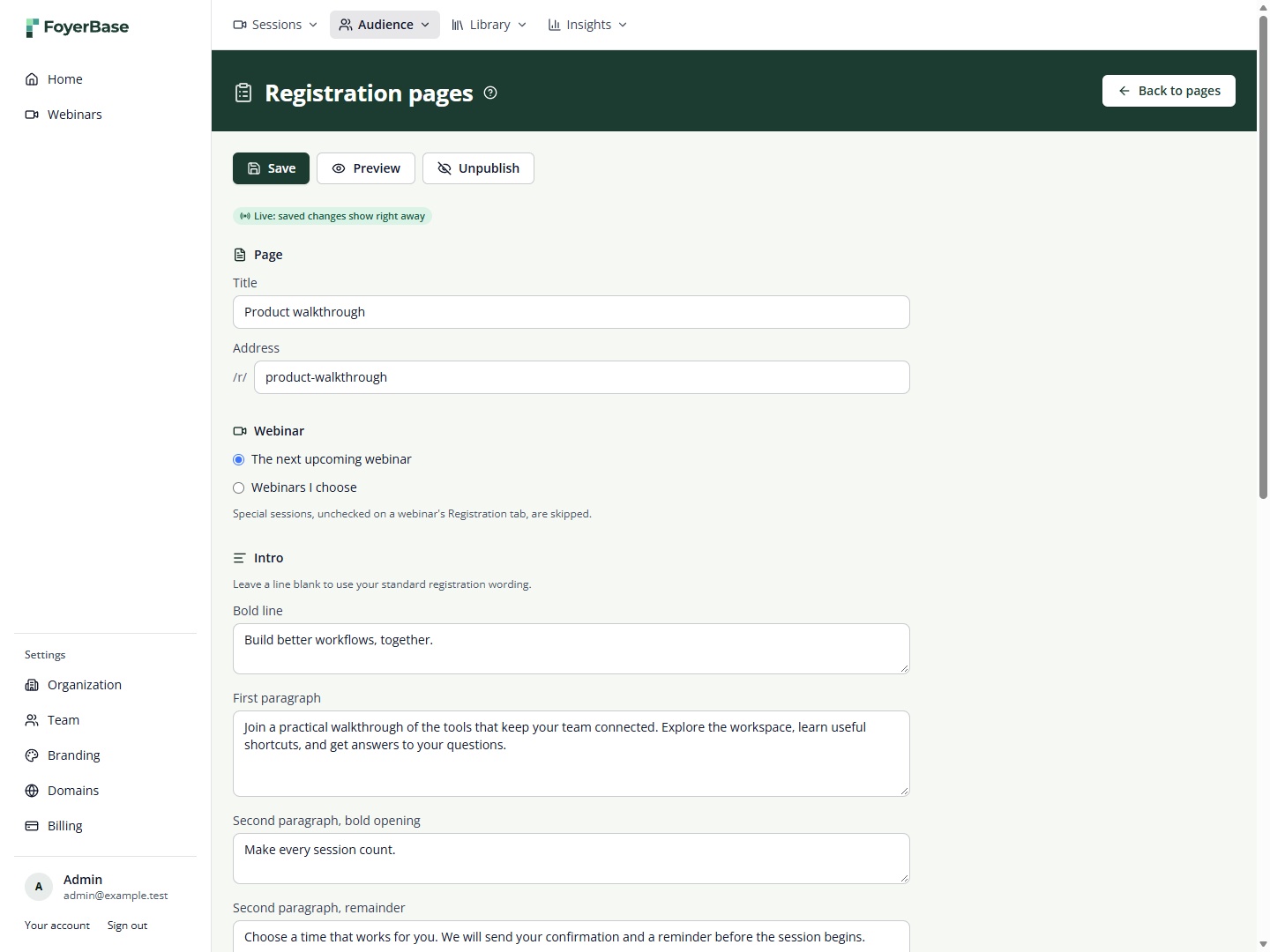
 Registration pages
Give each webinar a signup experience that feels like your brand.
Add your own copy, logo and fields to collect the details that matter to your team.
Connect a page to the next upcoming webinar or select the sessions it should offer.
Your pages, your audience
Respond to audience questions during your session.
Ask your audience questions and see their responses.
Make handouts and downloads available to attendees.
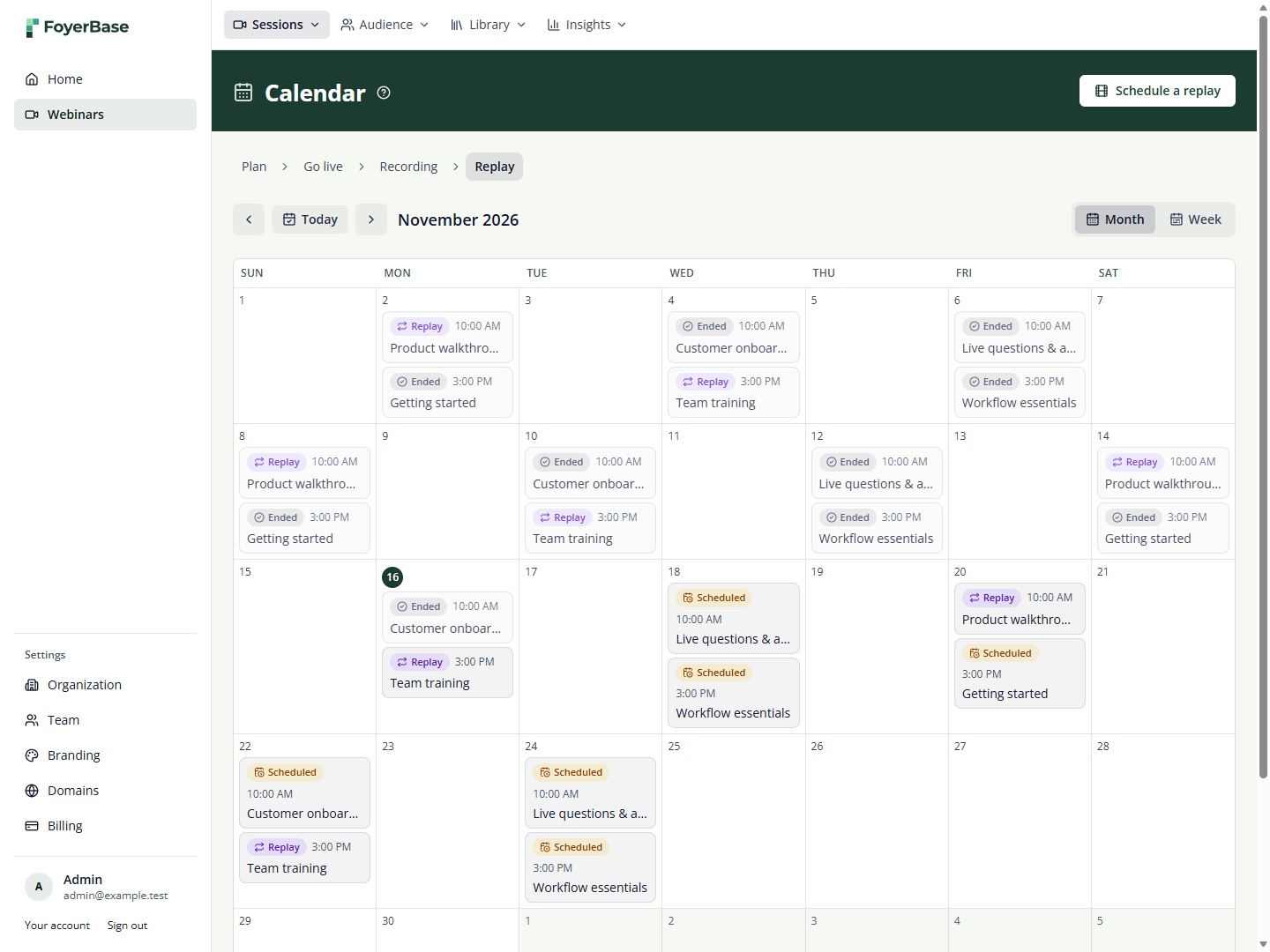 Webinar calendar
See live sessions and replays on one calendar, and keep your team ready for the next event.

Plan upcoming webinars and see past sessions.

Review registrations, attendance and watch time.

Schedule sessions on a recurring weekly rhythm.

Find recordings and schedule them to play again.
 Your workspaceAudience insights
Example workspace · sample data
Review registrations, attendance and watch time, then use what you learn to plan your next conversation.
Explore the journeyHow it worksA connected workflow for the moments before, during and after your webinar.
01
Create your registration page, choose a time and share the details.
02
Bring presenters and attendees together for a live session.
03
Keep the conversation going after your session ends.
Good to knowA closer look at how FoyerBase supports your webinar journey.
Explore featuresFoyerBase brings registration, live webinars, replays and attendee follow-up into one workspace for your team.
Yes. Add your branding and copy, choose which sessions to offer, and configure the information you collect.
Yes. Plan a repeating series of live sessions and schedule replays from your recordings.
Yes. Explore registration and attendance details, including watch time, and compare sessions in your reports.
Inside FoyerBaseProduct screens shown with sample data.